Originally posted by theAlexWu on 2018/05/23
With the rapid growth of the gaming industry, there are now lots of gaming products on the market like gaming motherboard, gaming memory, and many gaming peripherals. Everything’s all about “gaming”. However, the product info I’d like to share with you today, Logitech MK235 Wireless Keyboard & Mouse Kit, has nothing to do with “gaming” since gaming elements are not what I need in this case.

I have 3 PC platforms on my desk built for different purposes in the office. PC1 is for daily routine work, PC2 is for testing purpose, and PC3 is purely for the benchmark. I was using 2 keyboards and 2 mice for these 3 PC platforms, PC1 had dedicated keyboard and mouse but PC2 and PC3 must share the other keyboard and mouse. Because of 2 keyboards and 2 mice, I got very limited space on my desk which sometimes made my work not efficient. I therefore planned to get a KVM switch and a wireless keyboard & mouse kit. That should be helpful to the mess.
Long in short, Logitech MK235 Wireless Keyboard & Mouse Kit became my choice at last. It’s not the cheapest one, but it’s fantastic for me. See pictures below for details.
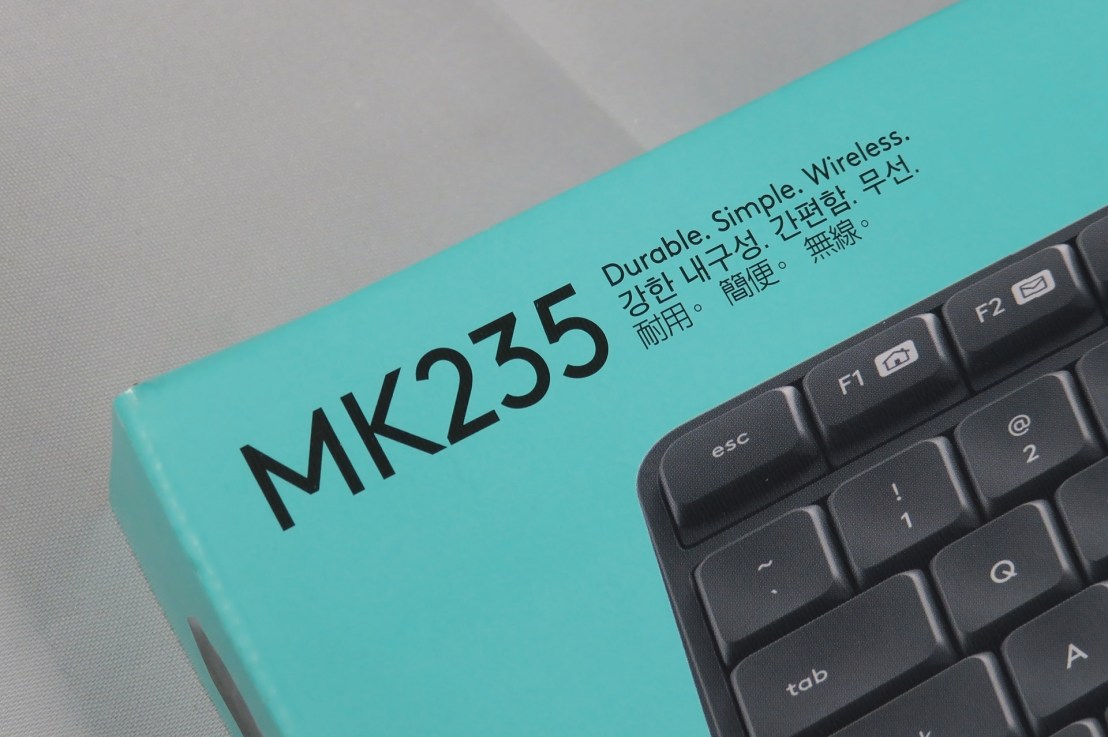
Product positioning: durable, simple, wireless.

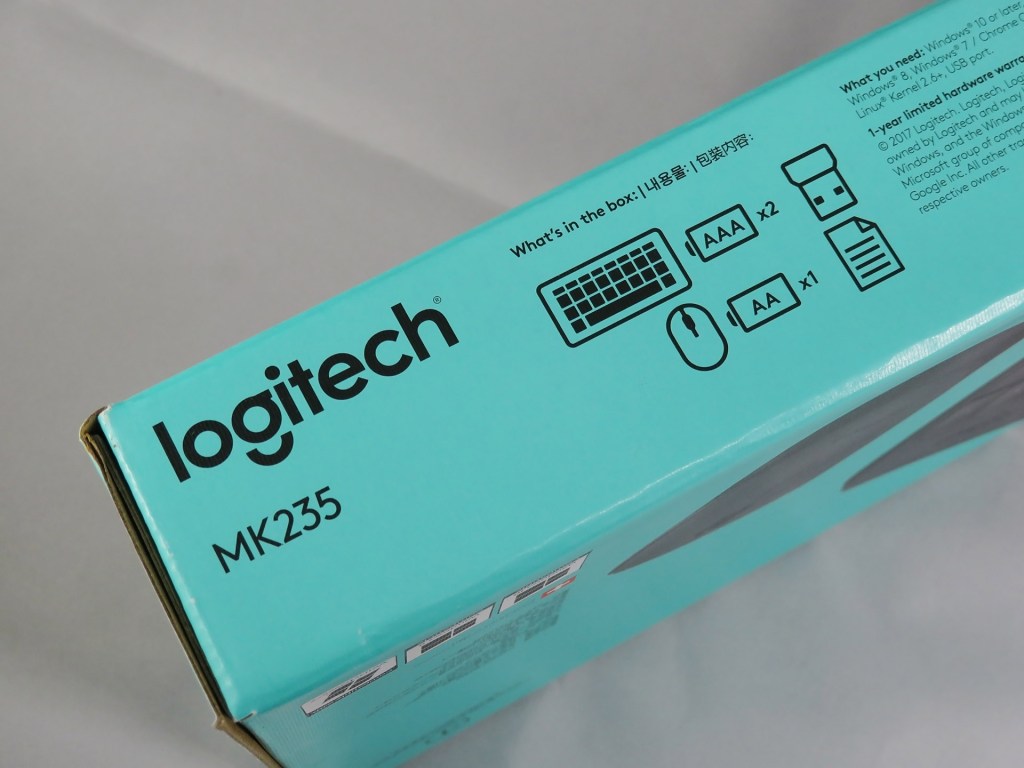
On the other side of the box, it shows users what’s in the box.
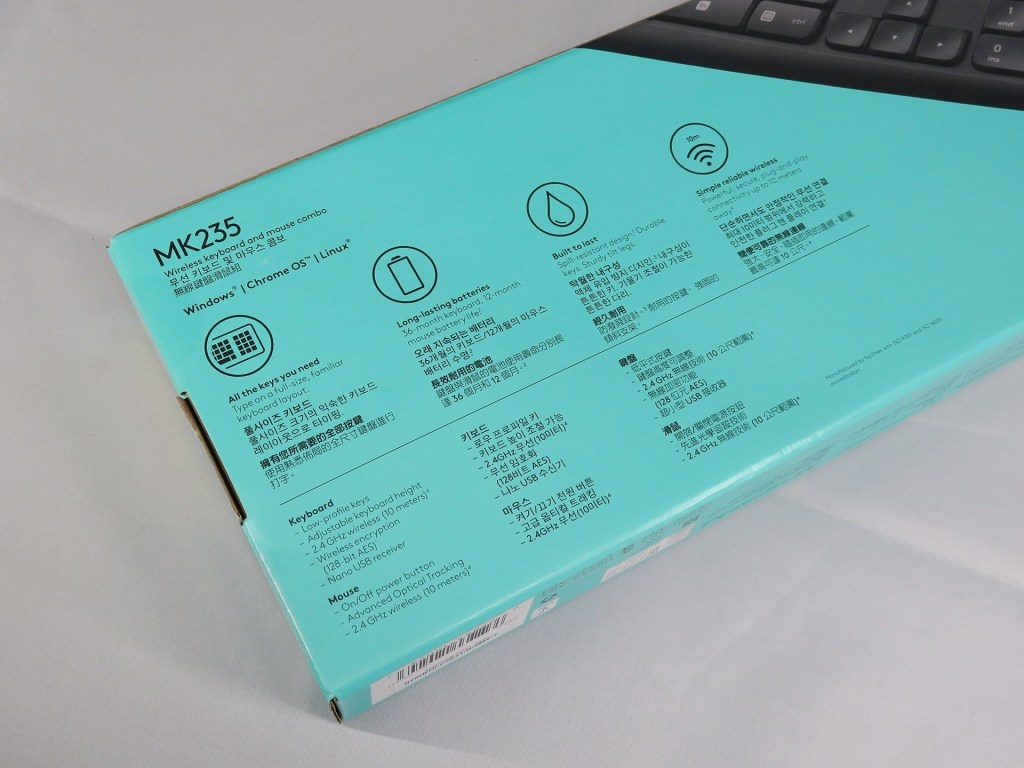
Key features in multiple languages.
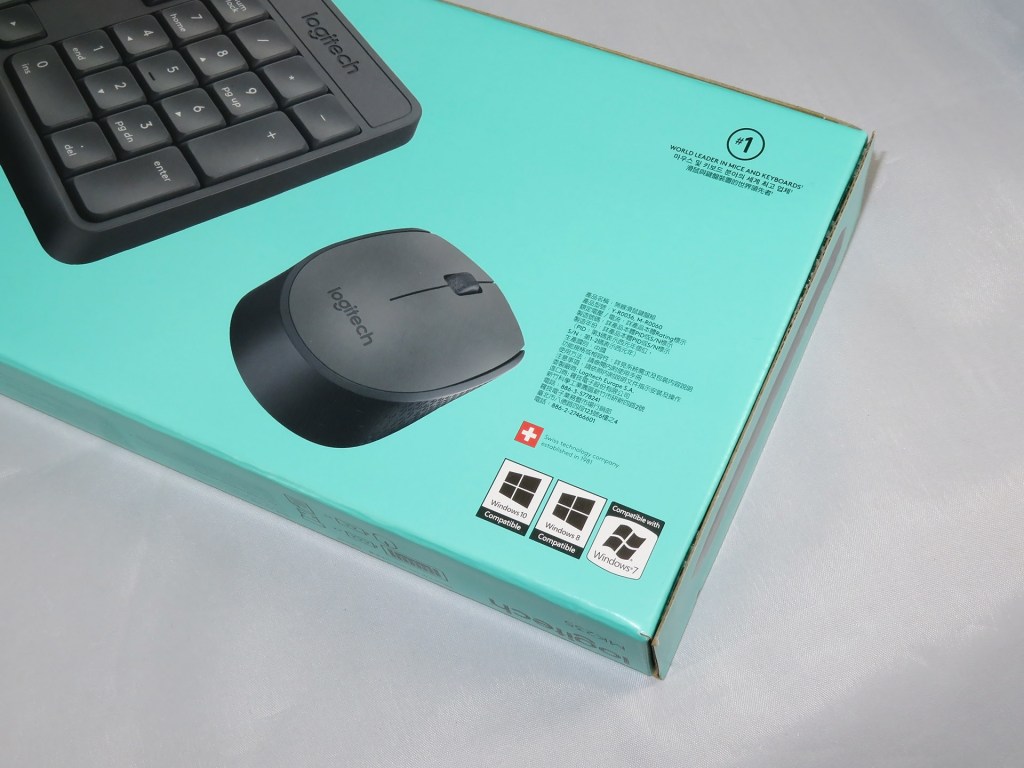
Do you know Logitech is a SWISS technology company established in 1981?
It says the keyboard has a 36-month battery life, and the mouse has a 12-month battery life. Sounds great!

The package is sealed by the tape. Cut it gently, no need to rip the package.

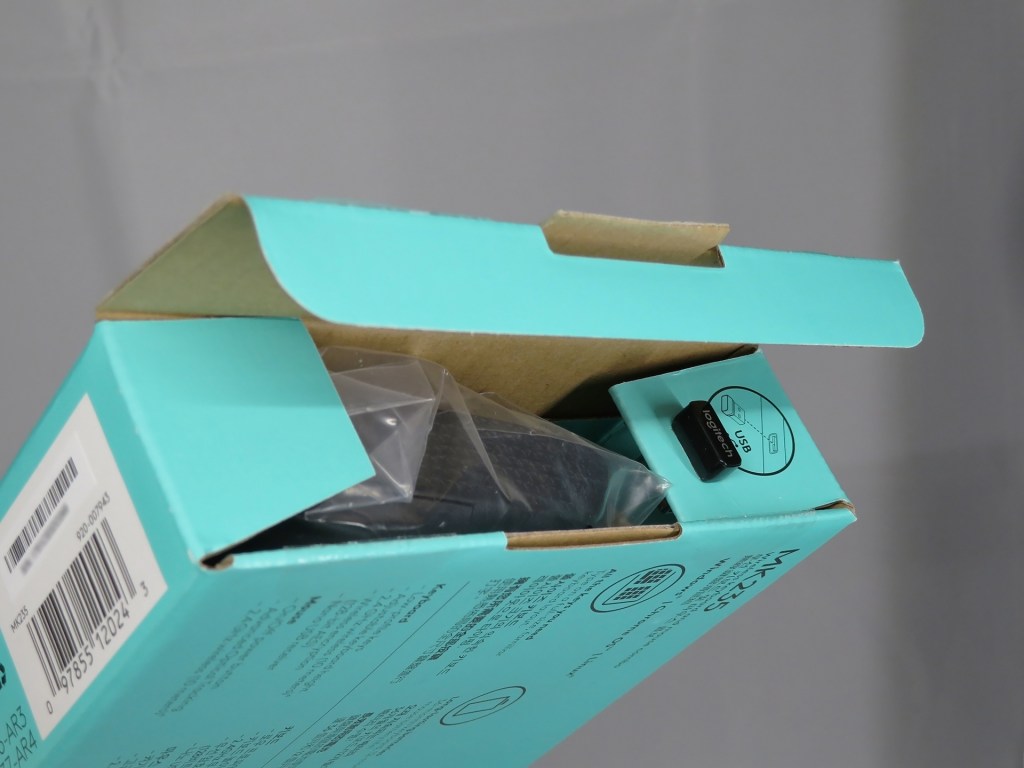
Once the box is opened, you can see the USB receiver and the mouse.
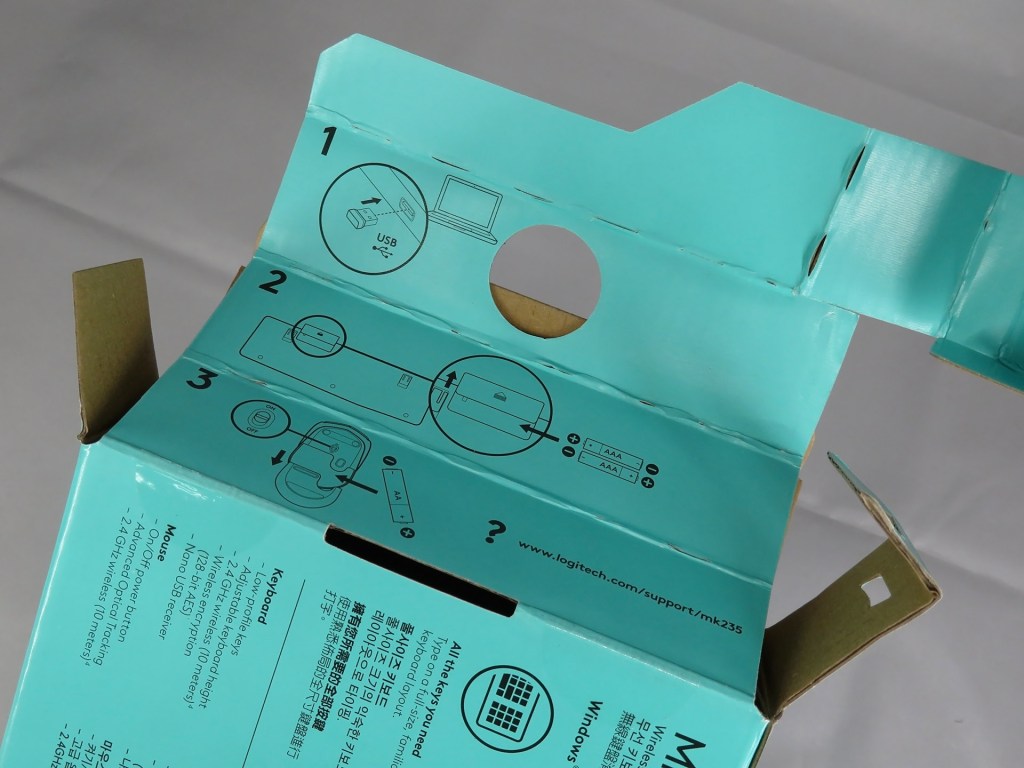
There is no installation guide inside the box, it’s printed on the box instead.
So, this is what you get in the box. A keyboard, a mouse, a USB receiver, 3 batteries, and the declaration paper of some info.

Install the batteries for the keyboard.
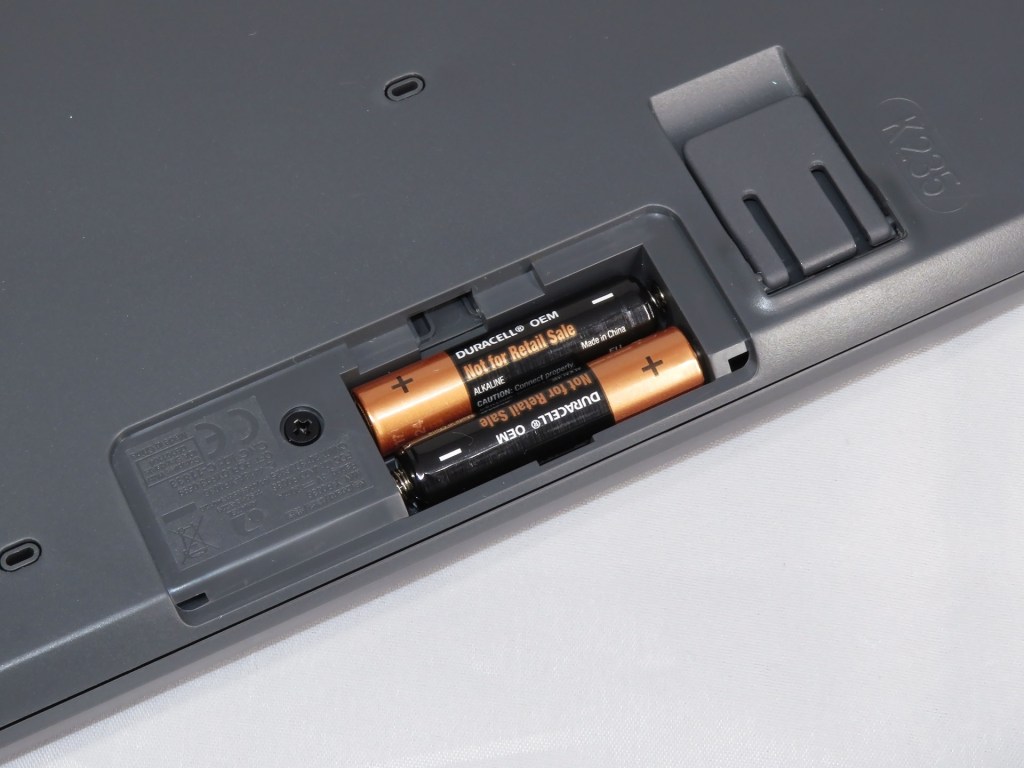
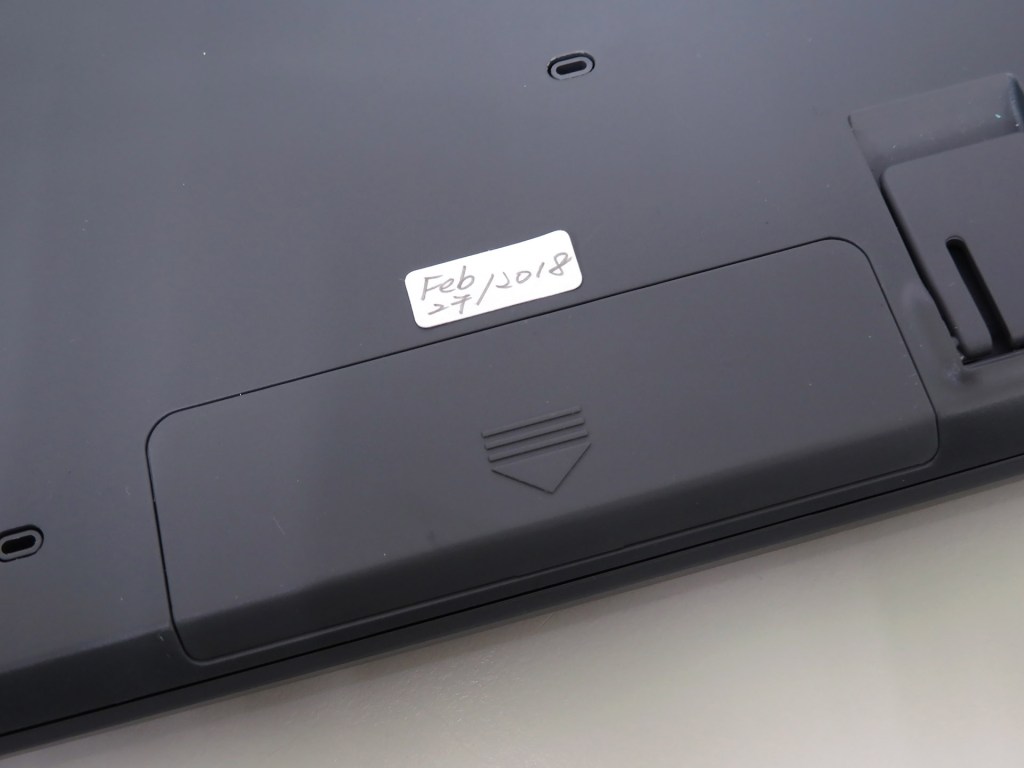
Remember? The product package says the keyboard has a 36-month battery life. I put a label with the date so I can find out if this is true when I change the batteries next time.
The mouse needs only 1 battery and there is also space reserved for the USB receiver right next to the battery. In this way, you won’t lose the USB receiver if you’re taking the keyboard & mouse kit to somewhere else.
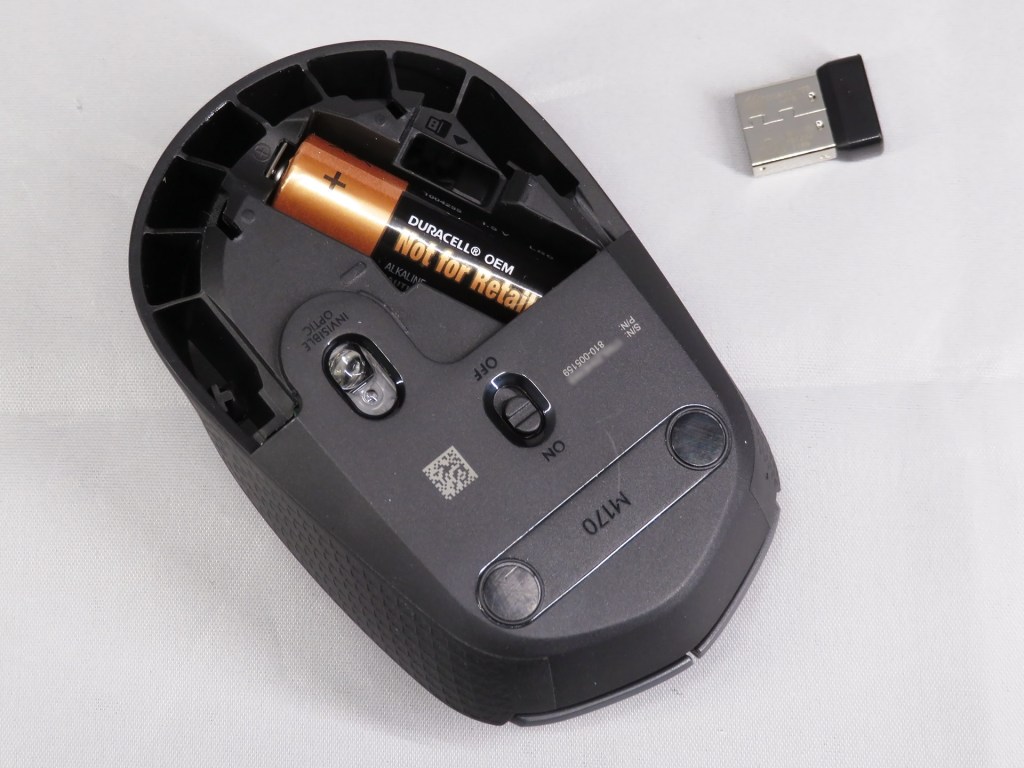
Right, the label with the date again! Let’s see if the battery life lasts for 12 months.

Unlike gaming keyboards which are focusing on mechanical-keyboard design, Logitech MK235 Wireless Keyboard & Mouse Kit is a membrane keyboard. It’s quiet, and it’s very light. The weight (keyboard & mouse with batteries included) is only 531g.

Eventually, I do have good user experience with Logitech MK235 Wireless Keyboard & Mouse Kit. It’s quiet, it’s light, it’s easy to get all stuff on my desk well organized, and it’s not expensive at all. With the help from the KVM switch, I need only 1 set of keyboard & mouse kit for my 3 PC platforms. Besides, I love the wireless design so the cable management is never a problem now. This is exactly the product I need and I like it!
Looking for a wireless keyboard & mouse kit? Well, maybe Logitech MK235 Wireless Keyboard & Mouse Kit also works for you.
 theAlexWu's Basement